
Object storage, within paw’s reach.
Cargocat is a desktop file manager for Amazon S3 and S3-compatible storage. Browse buckets beside local folders. Upload, download and organize with drag and drop. Peek inside files, right in the app.
macOS, Windows and Linux · for Amazon S3 and S3-compatible storage

Curiosity needs more than a file list.
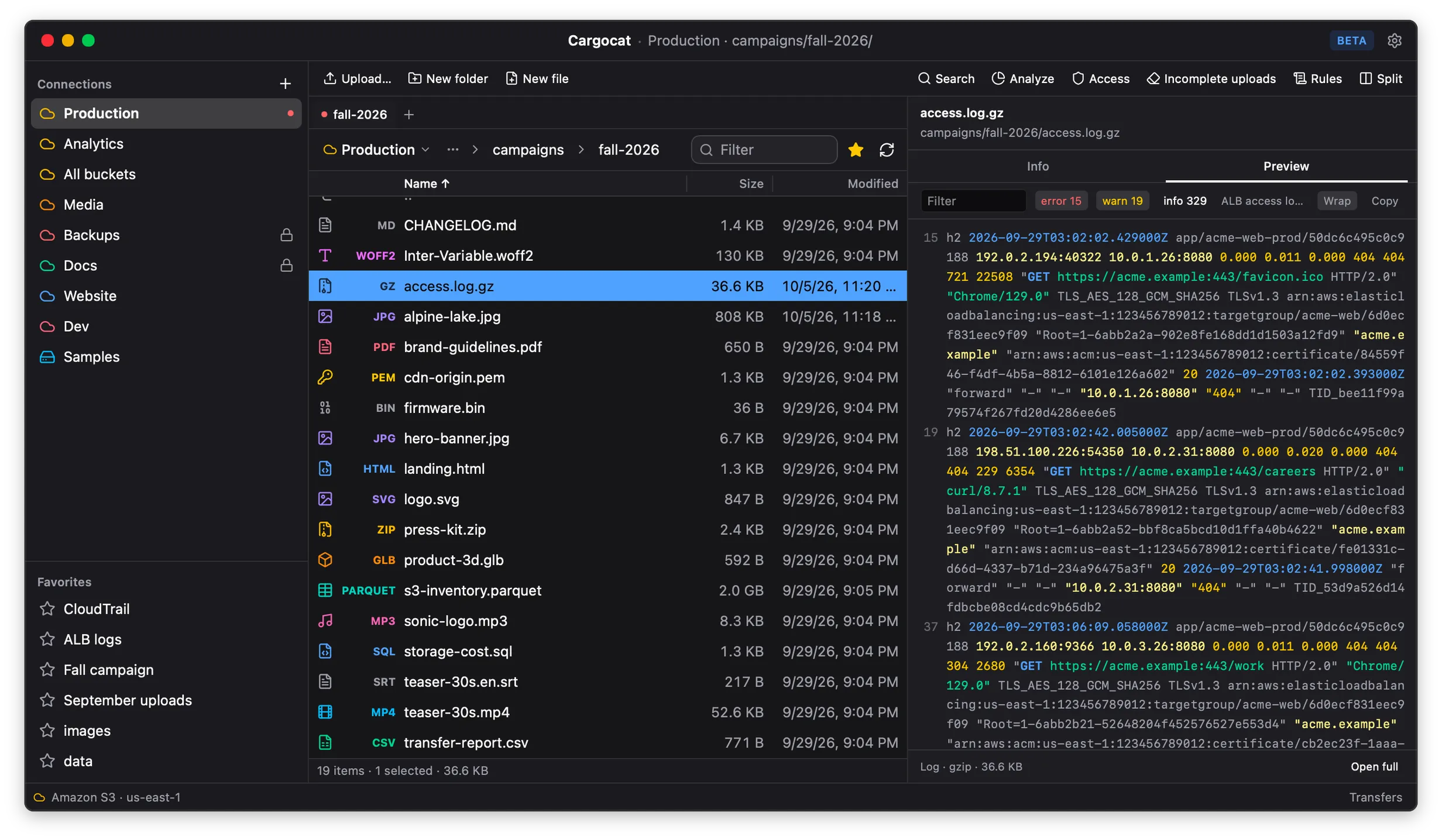
Names, sizes and dates cannot tell you which object you need. Cargocat shows you what is inside, right from the file list.
Preview
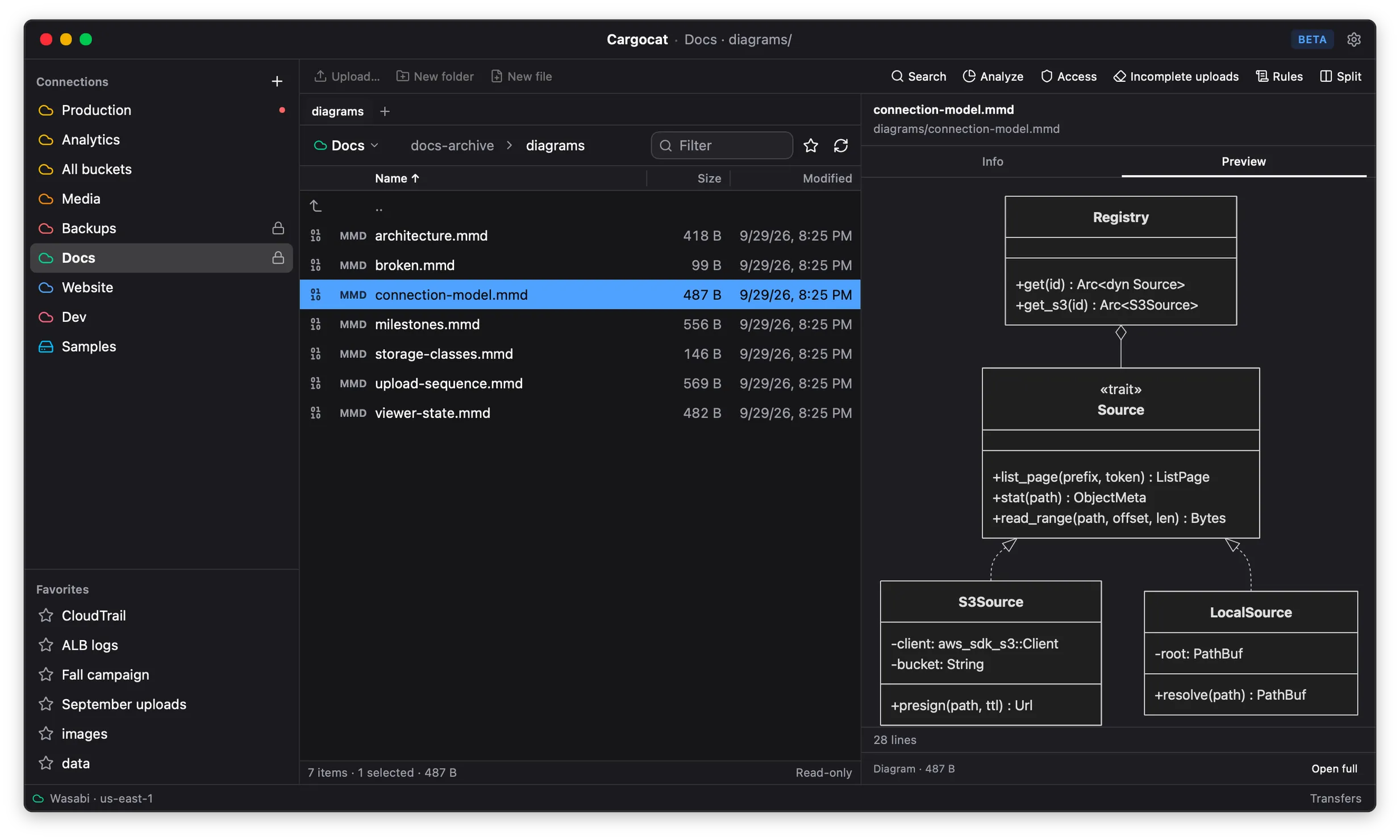
Preview without downloading the entire file.
Around two dozen built-in previews identify objects by their bytes, not just their names. A .bin that is really a PNG opens as a PNG. Partial reads depend on format and file size.
Try the previews in your browser →See all supported formats →
- Images with EXIF, PDFs, diagrams, CSV and JSON, source with syntax highlighting
- Edit text in the app or your own editor, with conflict detection before a save
- Video and audio that seek, streamed over HTTP range requests
- ZIP archives listed from their central directory alone — no full transfer
- Remote MP4 containers inspected by reading their index in place
- No bucket CORS configuration, because Cargocat serves previews through a local connection
Browse
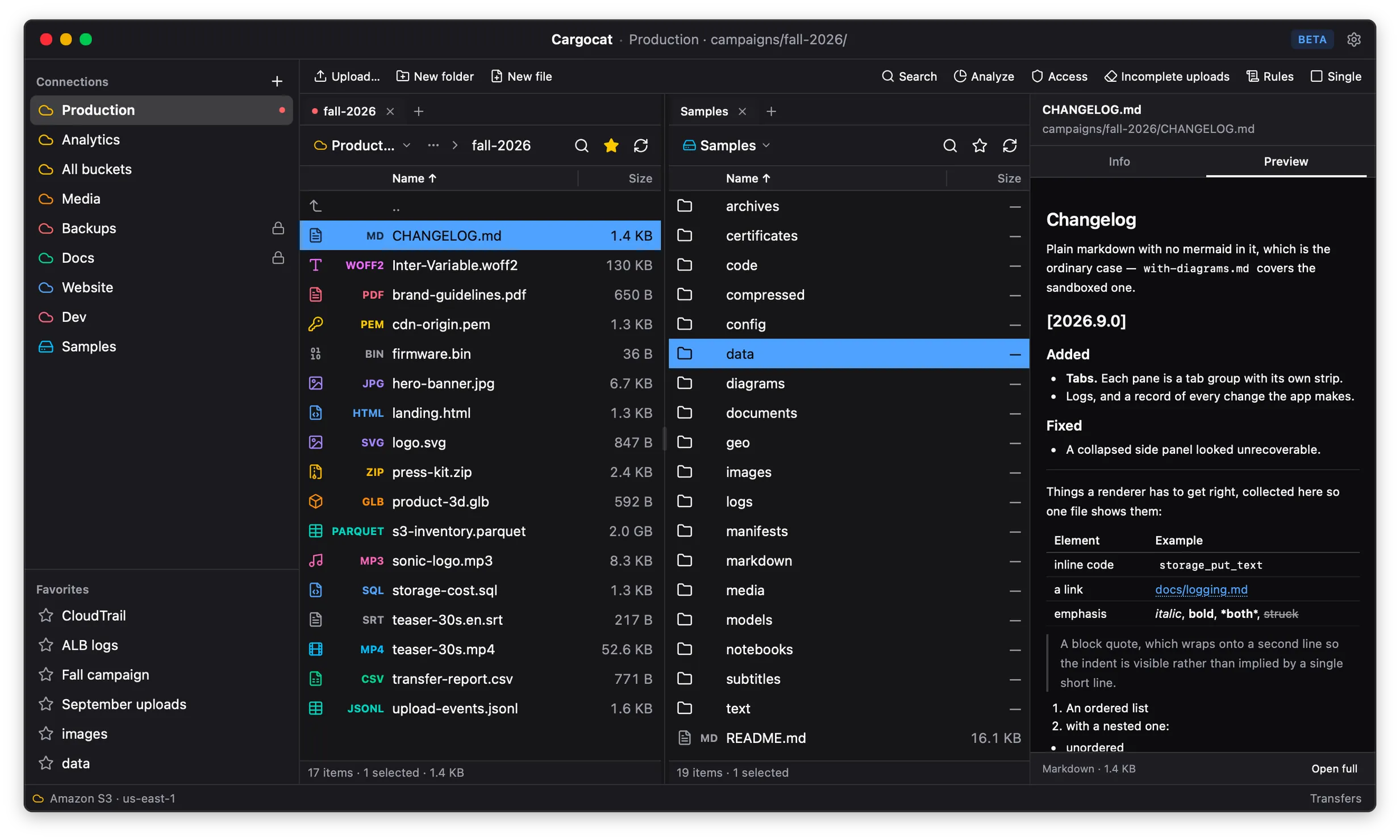
Two places at once.
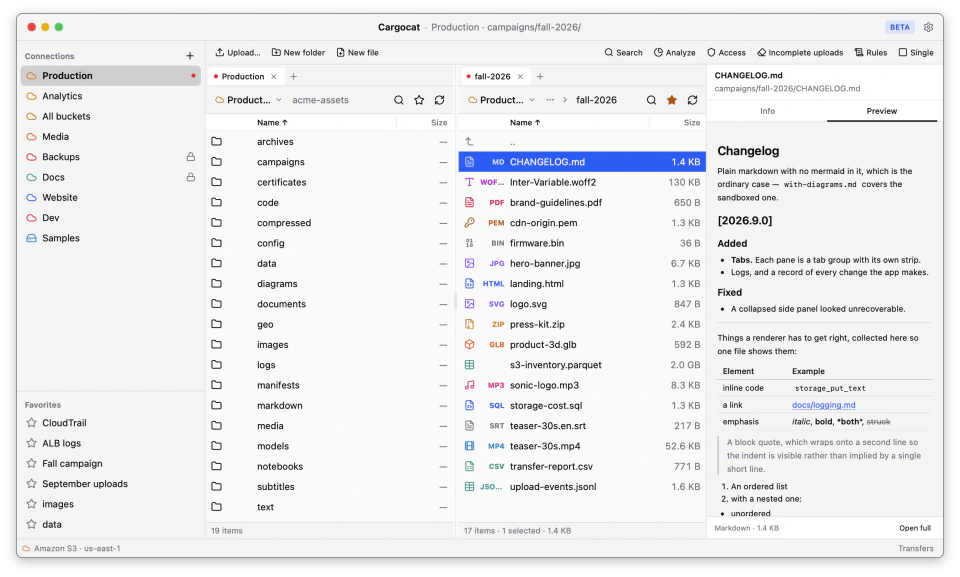
Streamed, virtualized listings stay responsive at a hundred thousand keys. Put a local folder beside any bucket with tabs and split panes.
- A folder on one side, a bucket on the other
- One connection for a bucket, or every bucket an account can see
- Virtualized panes over streamed listings
- Tabs per connection, split panes per tab
- Checks what each provider supports, so the UI offers only actions that will work
- Search across a bucket, jump to a prefix, and pin favorite folders
Transfer
Transfers that land on their feet.
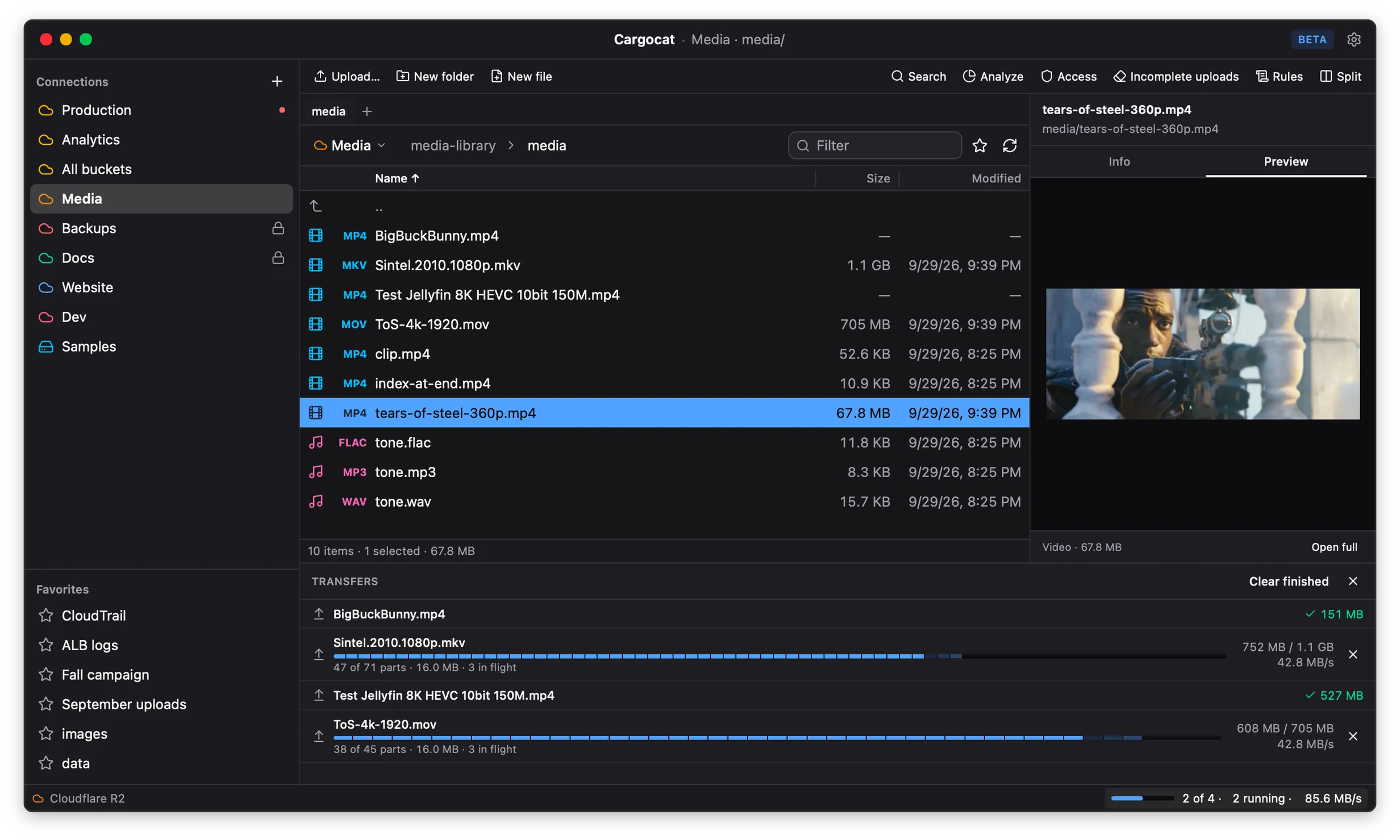
Uploads and downloads resume where they stopped. Copies on the same storage service stay at the provider when the destination can read the source.
- Resumable multipart uploads and downloads
- Server-side copy, and verification after the fact
- A bandwidth cap, for when you are also on a call
- Cleanup for incomplete multipart uploads — the ones that bill as stored data while staying invisible in a listing
Administer
The settings you open the console for.
Manage the bucket beside the files it governs.
- Lifecycle and CORS editors, with the current policy shown as it is
- Object headers, user metadata and tags, edited without a download
- Versions, storage classes, and restores from cold tiers
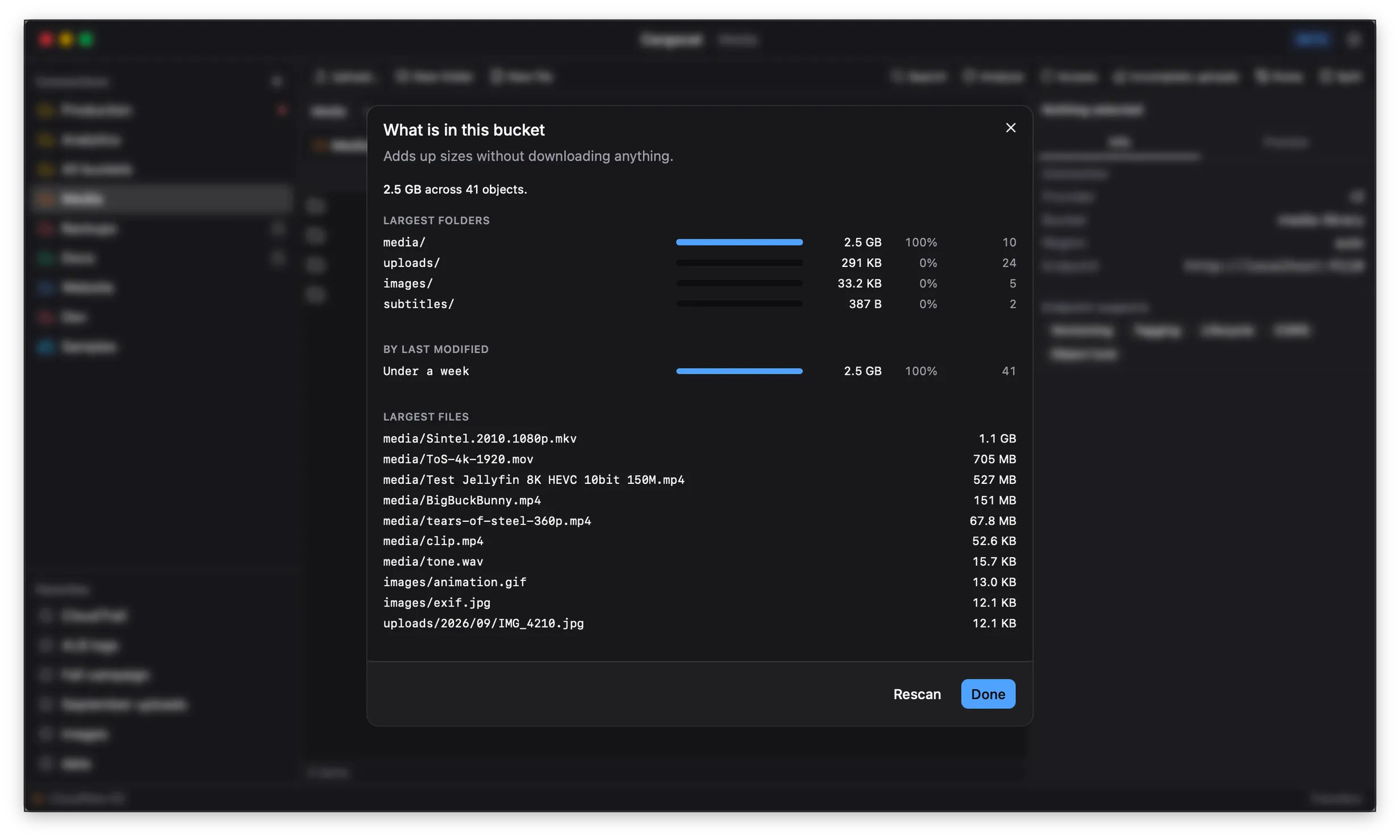
- Prefix reports: what is actually taking up the space
- An access audit, and search across a bucket
- Every mutation lands in a local activity trail — a record of what you did, written down
Everyday details
Bells, whistles, and whiskers.
Small conveniences and careful safeguards, built into the same workspace.
Share files, not your keys.
Create expiring links for one or many files, from 15 minutes to seven days.
Edit without clobbering.
Work in Cargocat or your own editor, with a warning if the object changed before you save.
Find your way back.
Search recursively, jump straight to a prefix, and pin the folders you use most.
Treat production like production.
Read-only connections and deliberate confirmations protect destructive actions.
Know what changed.
Every mutation lands in a local activity trail, without putting secrets in the log.
Provider-aware by default.
Cargocat checks what a connection supports and only offers actions that will work.
Providers
Fifteen presets. No herding required.
“S3-compatible” is a spectrum. Each preset handles the provider’s addressing style, region rules and known quirks.
- Amazon S3
- Cloudflare R2
- Backblaze B2
- Wasabi
- MinIO
- DigitalOcean Spaces
- Scaleway
- Storj
- Hetzner Object Storage
- Tigris
- Akamai / Linode
- Oracle Cloud
- Ceph RADOS Gateway
- RustFS
- Garage
- … and anything else
Beta: Amazon S3 is verified in real use. MinIO, RustFS and Garage run through conformance and transfer suites; the other presets need broader field testing.
Under your control
Your storage stays yours.
Cargocat connects directly to your storage provider and uses the secure credential store built into your operating system. Explore the sample bucket first, then connect on your terms—including read-only access.
- No Cargocat relay
- Files move from your computer to the storage provider you choose, never through our servers.
- System-kept credentials
- Keys you enter are saved in your operating system’s credential store.
- Read-only when you want it
- Turn on Read-only and Cargocat blocks uploads, edits, renames and deletes.
Appearance
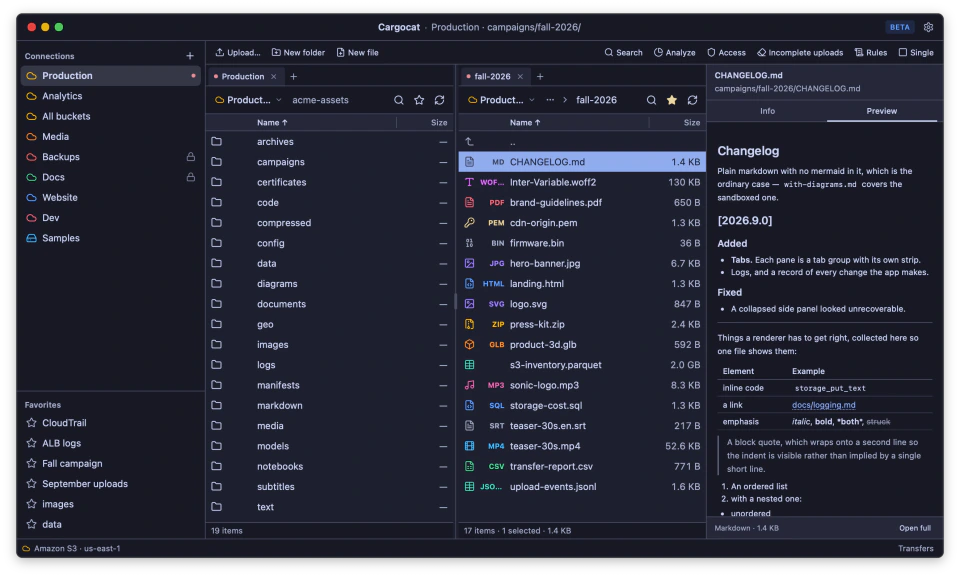
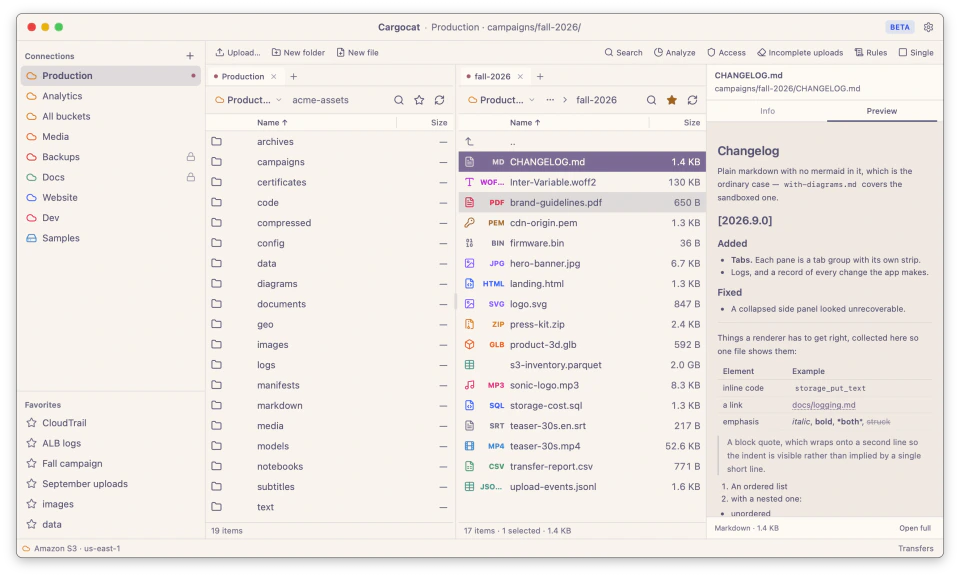
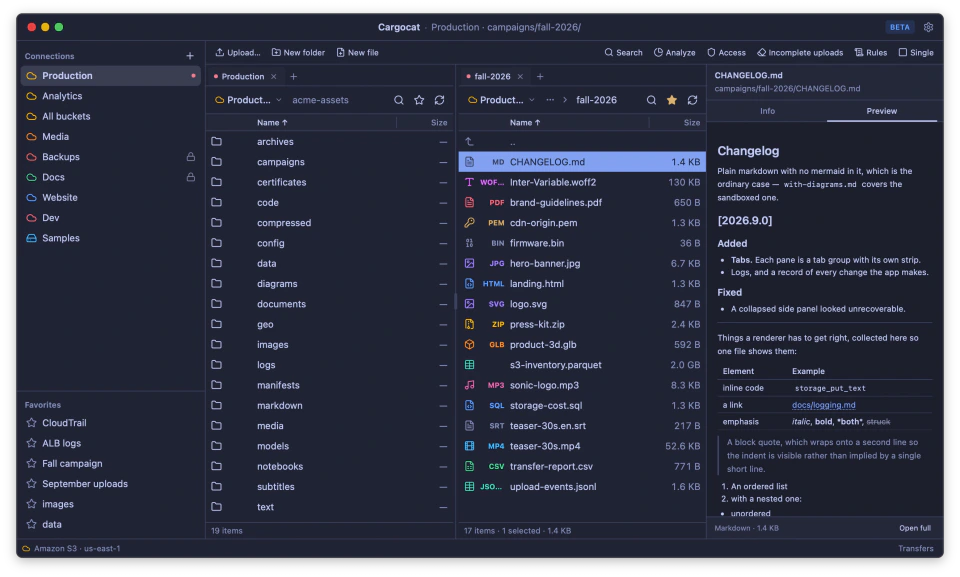
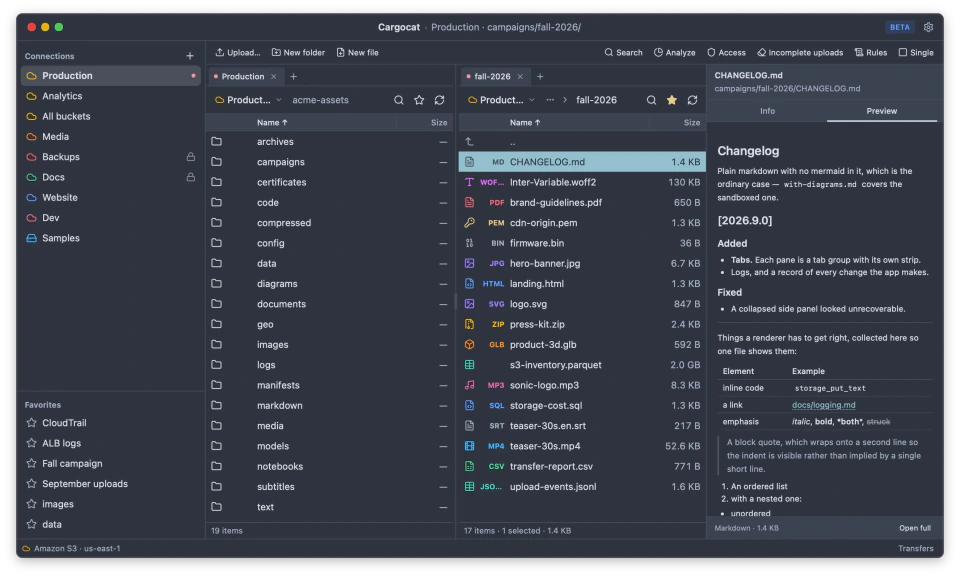
A coat for every mood.
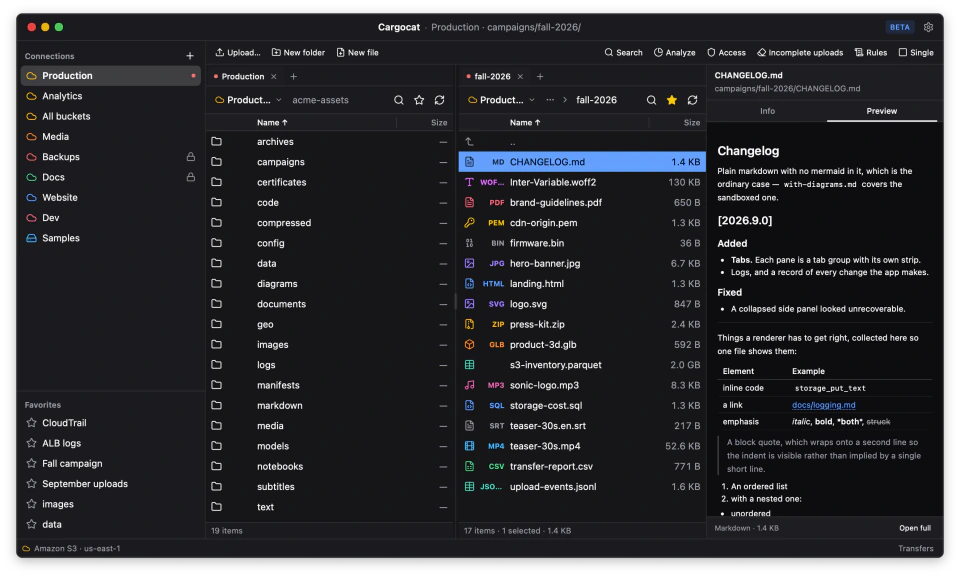
Choose from thirteen themes, including Light, Dark, Catppuccin, Rosé Pine, Tokyo Night and Nord. All keep text contrast at 4.5:1 or better.
Take Cargocat for a prowl.
Free for macOS, Windows and Linux. No account, no activation, no strings attached.
for Amazon S3 and S3-compatible storage