
Preview objects
How Cargocat decides what an object is, and why previews need no bucket CORS configuration.
Double-click an object, press Enter, or choose Quick Look from its context menu. Previews fetch bytes directly from storage. Many formats support partial reads; small files and some formats are read in full.
What it opens
Around two dozen viewers ship with the app. They are all built in; there is nothing extra to install.
| Viewer | What it opens |
|---|---|
| Image | Images supported by the platform, with zoom |
| EXIF | Metadata in JPEG, TIFF, PNG and WebP images |
| Video | Platform-supported video, with range-backed seeking |
| Audio | Platform-supported audio, with range-backed seeking |
| PDF documents | |
| Text and source | Plain text, source code, XML and JavaScript, with syntax highlighting |
| JSON | Formatted JSON with syntax highlighting |
| Table | CSV and TSV data in rows and columns |
| JSON Lines | .jsonl and .ndjson records as a table, with a malformed line isolated to its own row |
| Markdown | Rendered headings, lists, tables, code and Mermaid fences |
| SQLite | Database schema and sample rows from each table |
| Archive | ZIP, TAR and compressed TAR contents without unpacking them |
| Notebook | Jupyter notebooks with Markdown, code and safe output rendering |
| Parquet | Schema, row groups, columns and compression metadata |
| Manifest | HLS and DASH variants, tracks, resolutions, codecs and bandwidths |
| Config | YAML and TOML as an outline alongside the source |
| GeoJSON | Geometry summaries and an offline map |
| Subtitles | SRT and WebVTT cues, with timing problems called out |
| Certificate | PEM certificate chains, including subjects, issuers and validity |
| Log | Logs, including gzip-compressed logs, with severity filtering |
| 3D model | GLB, glTF and STL models |
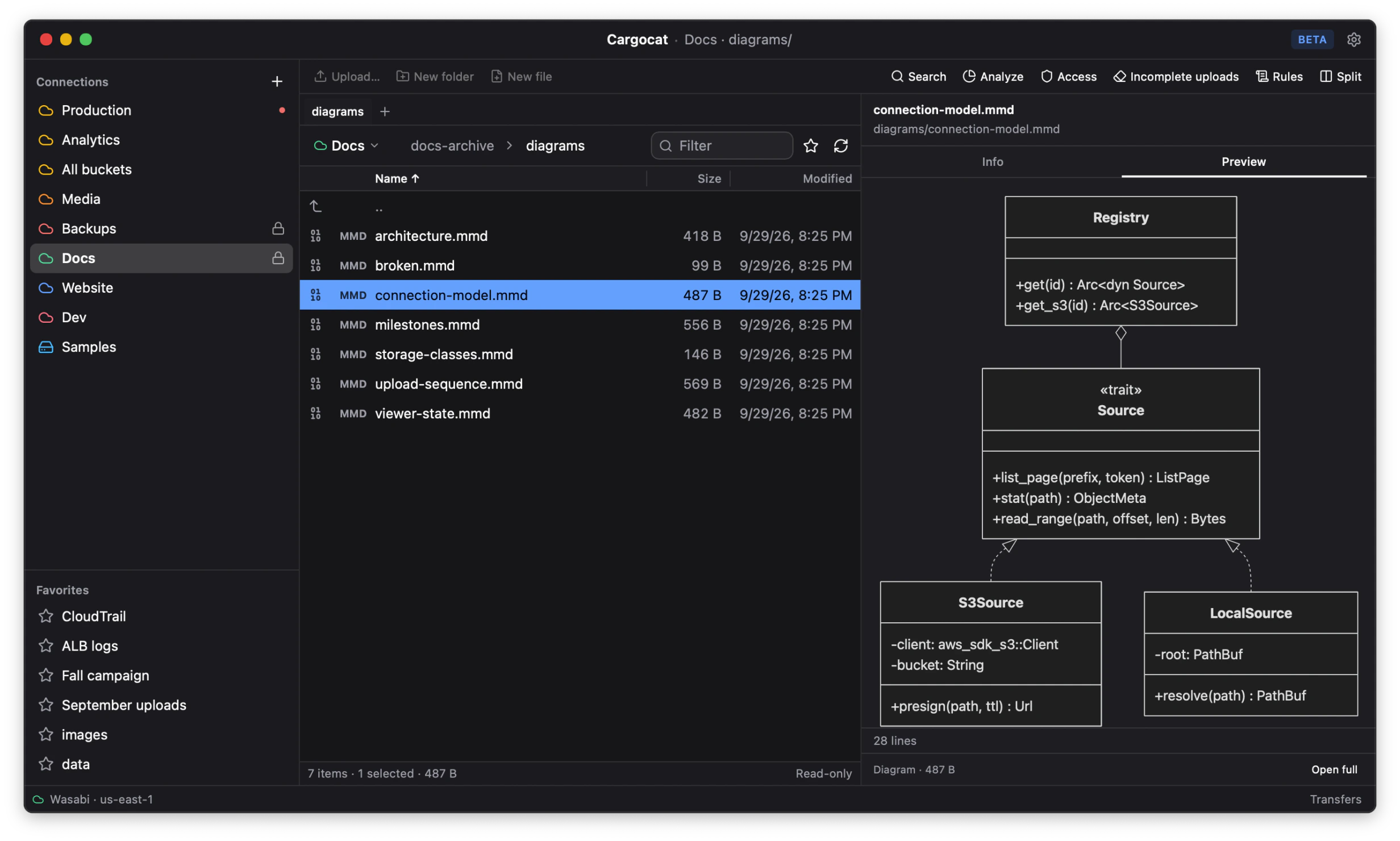
| Diagram | Mermaid diagrams in .mmd and .mermaid files |
| Hex | A fallback for any object without a more specific viewer |
Media playback still depends on the codecs available to the operating system. MP4 containers also show their tracks, codecs, dimensions and frame rates in the object details, read from the container index rather than the whole file.
Image previews
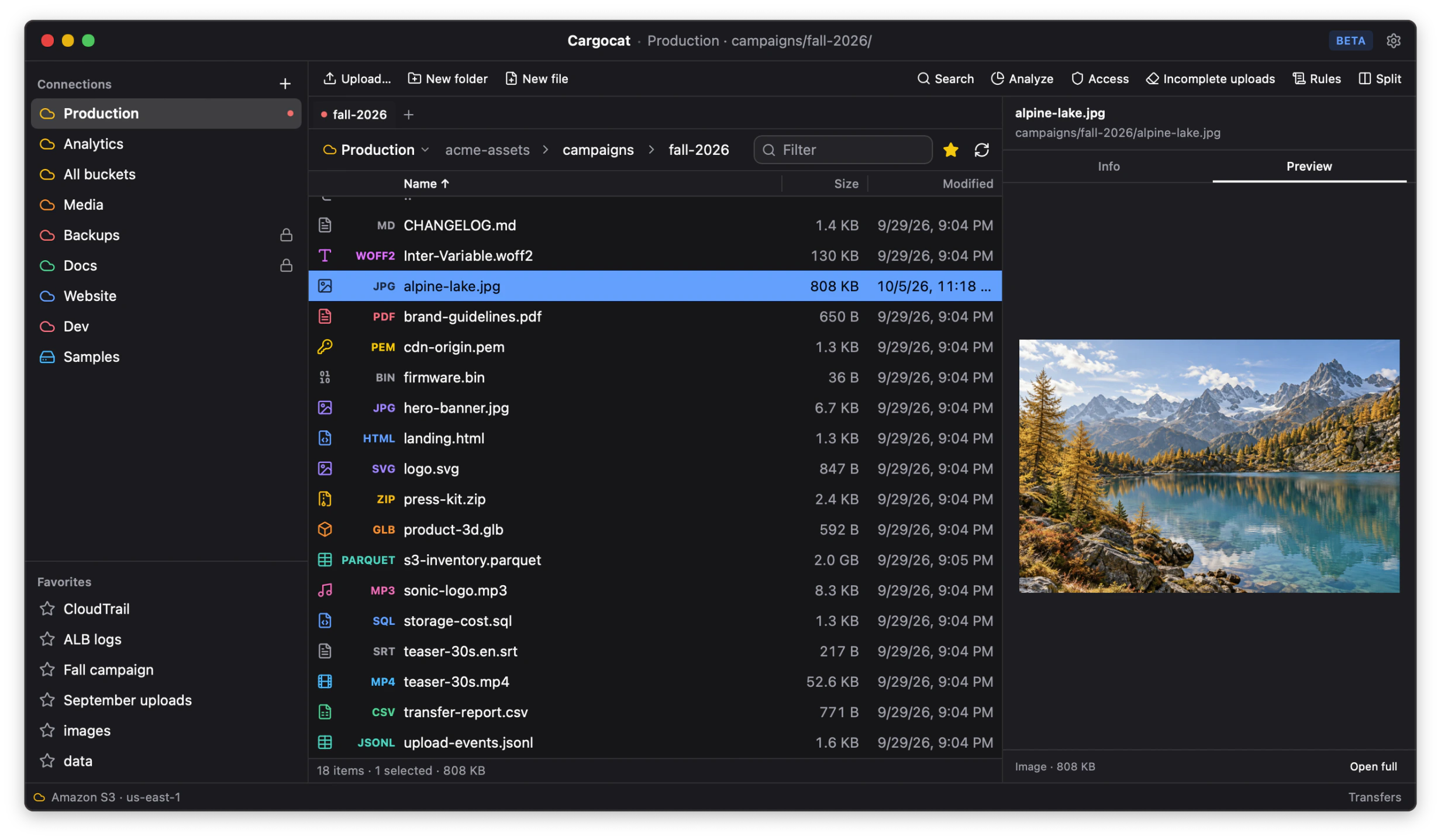
Select an image and open the Preview tab in the details panel to see it beside the file list. Open it in Quick Look for a larger view, and click the image to toggle zoom.
How it decides
By the bytes, not by the name. Cargocat sniffs the beginning of the object and
uses the extension and the declared Content-Type only as hints. An object
uploaded as data.bin that is really a PNG opens as a PNG, and one labeled
image/jpeg that is really a ZIP opens as a ZIP.
This is the common case rather than an edge case: a great many objects in a
great many buckets carry application/octet-stream because that is what the
uploader defaulted to.
Why there is no CORS to configure
Previews are served by a small HTTP server that runs on your own machine, bound to loopback, and speaks HTTP range requests to your provider on the viewer’s behalf. Each viewer is handed an ordinary local URL.
Nothing in a browser context ever addresses your bucket directly, so there is no cross-origin policy to relax — and no reason to make your bucket more permissive than it needs to be in order to look at your own files.
Only the bytes it needs
A viewer asks for ranges, not for the whole object:
- A ZIP archive is listed by reading its central directory — a few kilobytes at the end of a file that may be gigabytes.
- An MP4 is inspected by reading its index, so you can see tracks, codecs and sample tables without transferring the media.
- A video you scrub through fetches only the parts you actually watch.
Which matters twice: it is faster, and egress is billed by the byte.
For a deeper look at the range architecture and the formats that cannot avoid sequential reads, see How to Preview S3 Objects Without Downloading the Whole File.
Compressed objects
A gzip- or zstd-compressed object opens in the viewer for its decoded contents:
for example, .json.gz as JSON, .log.gz as a log and .csv.zst as a table.
The same applies when Content-Encoding: gzip declares the compression without
a compressed suffix.
Cargocat decodes at most the first 8 MB for a preview and says when it is showing only that prefix. A multi-gigabyte compressed log therefore does not become a multi-gigabyte transfer. Compressed TAR files remain archives and are listed as archives instead.
Next
Edit objects without giving up conflict protection.